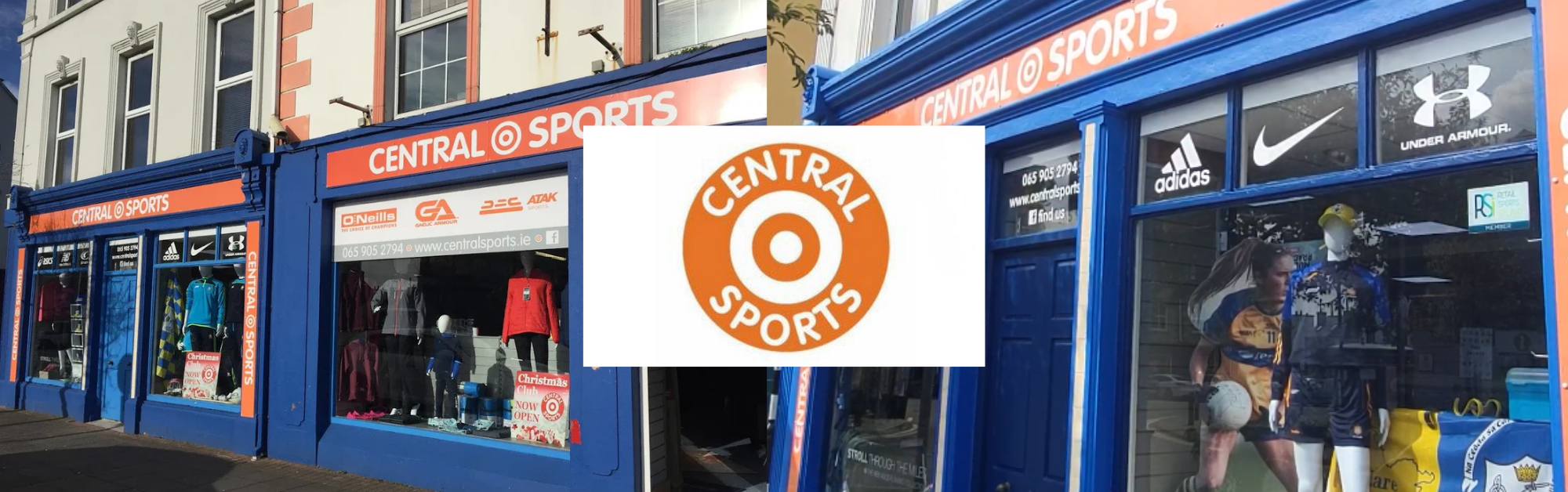
In the scenic town of Kilrush, Co Clare, Central Sports, a prominent player in the sports retail industry, was facing a common yet significant challenge in their day-to-day operations. They had a thriving online presence, but the process of creating shipping labels for eCommerce orders was causing headaches. Manually switching between platforms, copy-pasting details, and dealing with typos led to shipping errors, consumed valuable time, and created operational inefficiencies.
Central Sports relies on Retail Management Hero (RMH), a robust point-of-sale system, to manage its sales operations. To tackle the shipping label challenge head-on, they aimed to integrate seamlessly with two major shipping carriers, An Post and DPD. Their primary goal was clear: streamline the entire eCommerce order packing process, reduce errors, and accelerate order processing.
The solution came through a partnership with Shiptheory. Positive Retail developed an integration that connected RMH with Shiptheory, allowing Central Sports to create shipping labels directly from the POS in just a few clicks. Simple and intuitive, the integration required no special training, instantly streamlining operations and reducing errors.

Implementation Process
The implementation process was smooth and hassle-free. Positive Retail’s experts worked closely with Central Sports to ensure the integration seamlessly integrated with their existing RMH point of sale system, current e-commerce platform (Websell) and shipping carriers.
Benefits and Results
Since implementing the integration, Central Sports has maintained a flawless record with zero shipping errors. They’ve also reclaimed over 10 hours per week previously spent on picking and processing orders. These efficiencies have streamlined operations and enhanced the customer experience.
With the integration, Central Sports can now handle a larger volume of orders faster, all while using fewer staff.
At Central Sports, they’ve realised that seamless integrations can be the key to unlocking efficiency and growth in your business. If you’re facing similar challenges or seeking ways to optimise your operations, don’t hesitate to reach out to explore how integration solutions like theirs could be tailored to your unique needs.
Related Posts
5 Steps for a Successful End-of-Summer Promotion
Plan a successful end-of-summer promotion with practical tips on offers, stock, eCommerce, staff and customer data to drive more retail sales.
Competitive Advantage in Retail
Build a Competitive Advantage in Retail with smart technology, better inventory management, real-time reporting and POS solutions designed to help retailers grow.
What is a retail community?
Learn how to build a retail community that increases customer loyalty, repeat purchases and long-term growth with the right retail strategies and EPOS system.